
Blog
Object Oriented Programming (OOP) Past Paper 2015 – MSc IT 2nd Term UOS
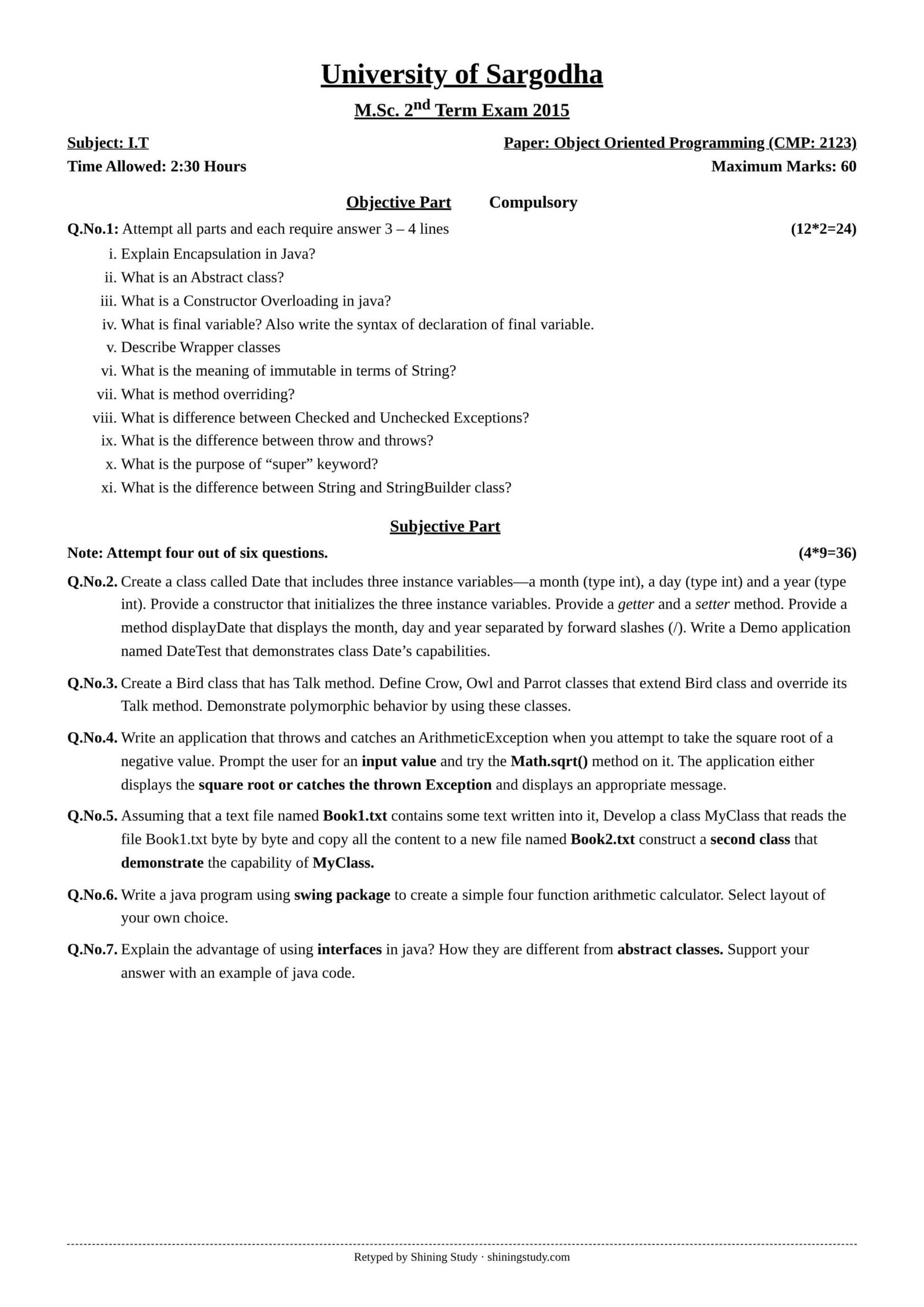
University of Sargodha (UOS) M.Sc. IT 2nd term Object Oriented Programming (CMP-2123) past paper 2015, with the full question paper in text form and solved answers. The paper is Java-based, and all programs below are compiled and tested.
Print / download (A4, high quality): Full-size paper
OOP Past Paper 2015 MSc IT (text version)
University of Sargodha – M.Sc. 2nd Term Exam 2015, Subject: I.T
Paper: Object Oriented Programming (CMP-2123) · Time: 2:30 hours · Maximum marks: 60
Objective part (compulsory) – Q1: Attempt all parts, each requires an answer of 3–4 lines (12 × 2 = 24)
- Explain Encapsulation in Java.
- What is an Abstract class?
- What is Constructor Overloading in Java?
- What is a final variable? Also write the syntax of declaration of a final variable.
- Describe Wrapper classes.
- What is the meaning of immutable in terms of String?
- What is method overriding?
- What is the difference between Checked and Unchecked Exceptions?
- What is the difference between throw and throws?
- What is the purpose of the “super” keyword?
- What is the difference between the String and StringBuilder class?
(The printed paper lists 11 parts although the marks say 12 × 2.)
Subjective part – Attempt four out of six questions (4 × 9 = 36)
Q2. Create a class called Date that includes three instance variables—a month (type int), a day (type int) and a year (type int). Provide a constructor that initializes the three instance variables. Provide a getter and a setter method. Provide a method displayDate that displays the month, day and year separated by forward slashes (/). Write a demo application named DateTest that demonstrates class Date’s capabilities.
Q3. Create a Bird class that has a Talk method. Define Crow, Owl and Parrot classes that extend the Bird class and override its Talk method. Demonstrate polymorphic behavior by using these classes.
Q4. Write an application that throws and catches an ArithmeticException when you attempt to take the square root of a negative value. Prompt the user for an input value and try the Math.sqrt() method on it. The application either displays the square root or catches the thrown exception and displays an appropriate message.
Q5. Assuming that a text file named Book1.txt contains some text written into it, develop a class MyClass that reads the file Book1.txt byte by byte and copies all the content to a new file named Book2.txt. Construct a second class that demonstrates the capability of MyClass.
Q6. Write a Java program using the swing package to create a simple four-function arithmetic calculator. Select a layout of your own choice.
Q7. Explain the advantages of using interfaces in Java. How are they different from abstract classes? Support your answer with an example of Java code.
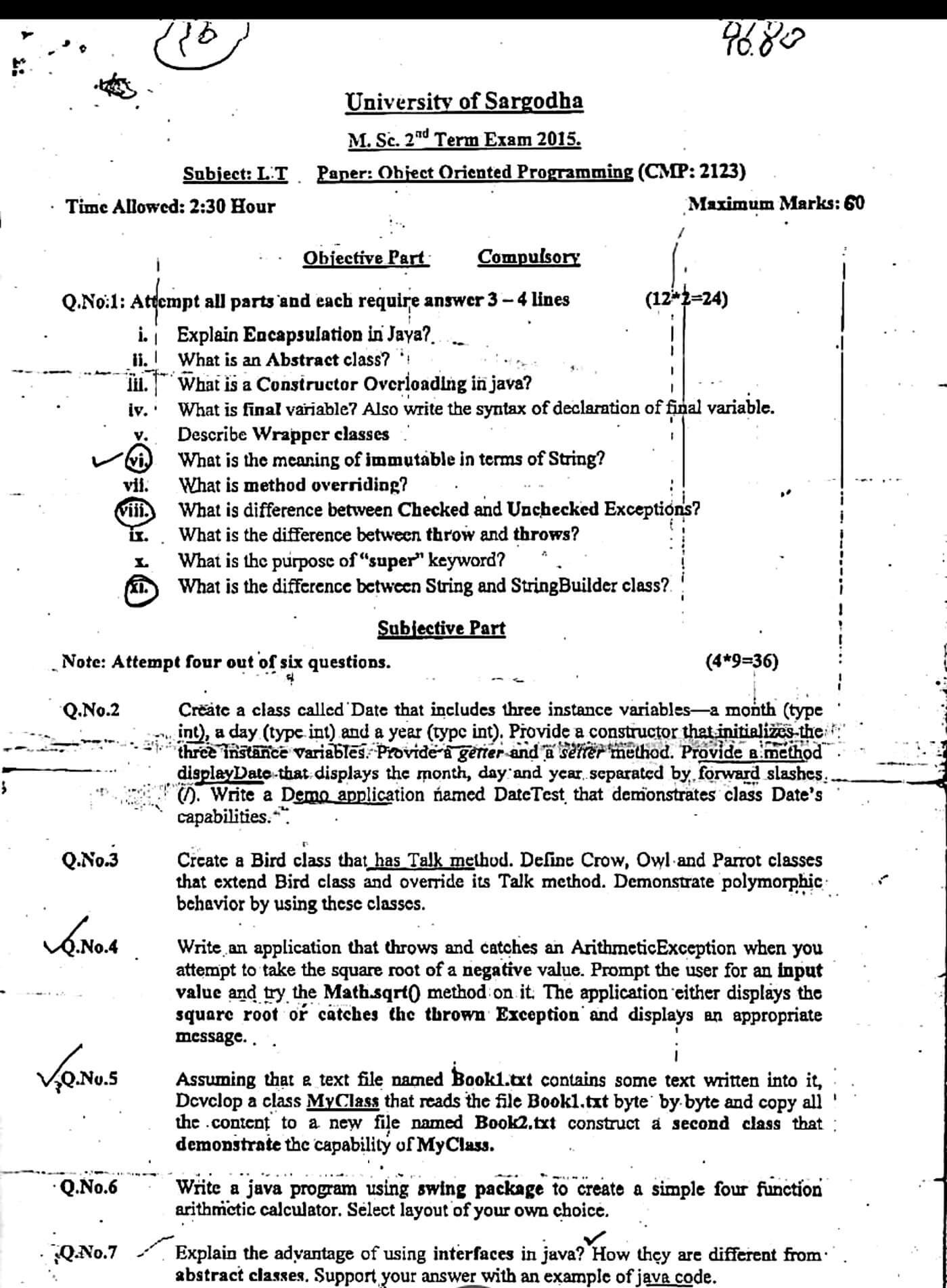
Original paper (scanned copy)
The clean paper above is retyped by Shining Study from this original University of Sargodha question paper. Click a scan to view it full size.
Solved answers
Q1 – Short questions
(i) Encapsulation: wrapping data (fields) and the methods that work on it into one class, and hiding the fields with private. Outside code reaches the data only through public getters/setters, so the class controls validation and can change its internals safely.
(ii) Abstract class: a class declared with abstract that cannot be instantiated. It may contain abstract methods (no body) that subclasses must implement, plus normal fields, constructors and concrete methods. Example: abstract class Shape { abstract double area(); }
(iii) Constructor overloading: defining several constructors in one class with different parameter lists, e.g. Box(), Box(int side), Box(int l, int w, int h). The compiler picks the one matching the arguments, giving different ways to create an object.
(iv) final variable: a variable whose value cannot be changed once assigned – a constant. Syntax: final int MAX = 100; or static final double PI = 3.14159;. A blank final must be assigned exactly once, in the constructor.
(v) Wrapper classes: classes that wrap each primitive type in an object: Byte, Short, Integer, Long, Float, Double, Character, Boolean. They let primitives be stored in collections, give utility methods (Integer.parseInt("12")) and support autoboxing/unboxing.
(vi) Immutable String: once a String object is created its contents can never change. Methods like concat() or toUpperCase() return a new String; the original stays the same. This makes strings safe to share, thread-safe and usable in the string pool.
(vii) Method overriding: a subclass gives its own implementation of a method already defined in its superclass, with the same name, parameters and return type. The version called is chosen at run time from the actual object type (dynamic binding).
(viii) Checked vs unchecked exceptions: checked exceptions (IOException, SQLException) are checked at compile time and must be caught or declared with throws. Unchecked exceptions are subclasses of RuntimeException (ArithmeticException, NullPointerException); the compiler does not force handling them.
(ix) throw vs throws: throw is a statement inside a method that actually throws one exception object: throw new ArithmeticException("x");. throws appears in the method header and declares which exceptions the method may pass to its caller: void read() throws IOException.
(x) super keyword: refers to the immediate parent class. It is used to call the parent constructor (super(args), must be the first statement), call an overridden parent method (super.show()) and access a hidden parent field.
(xi) String vs StringBuilder: String is immutable, so every change creates a new object. StringBuilder is mutable – append(), insert(), reverse() change the same object – so it is much faster for repeated changes (e.g. in loops). StringBuilder is not synchronized.
Q2 – Date class and DateTest
class Date {
    private int month, day, year;

    public Date(int month, int day, int year) {
        this.month = month;
        this.day = day;
        this.year = year;
    }
    public int getMonth() { return month; }
    public int getDay()   { return day; }
    public int getYear()  { return year; }
    public void setMonth(int month) { this.month = month; }
    public void setDay(int day)     { this.day = day; }
    public void setYear(int year)   { this.year = year; }

    public void displayDate() {
        System.out.println(month + "/" + day + "/" + year);
    }
}

public class DateTest {
    public static void main(String[] args) {
        Date d = new Date(11, 22, 2026);
        d.displayDate();            // 11/22/2026
        d.setMonth(12);
        d.setDay(25);
        System.out.println("Month: " + d.getMonth() + ", Day: " + d.getDay());
        d.displayDate();            // 12/25/2026
    }
}
Output: 11/22/2026, then Month: 12, Day: 25, then 12/25/2026.
Q3 – Bird polymorphism
class Bird {
    public void talk() { System.out.println("Bird makes a sound"); }
}
class Crow extends Bird {
    @Override public void talk() { System.out.println("Crow says: Caw caw"); }
}
class Owl extends Bird {
    @Override public void talk() { System.out.println("Owl says: Hoot hoot"); }
}
class Parrot extends Bird {
    @Override public void talk() { System.out.println("Parrot says: Hello!"); }
}
public class BirdDemo {
    public static void main(String[] args) {
        Bird[] birds = { new Crow(), new Owl(), new Parrot() };
        for (Bird b : birds) b.talk();     // polymorphism: overridden talk() runs
    }
}
Every element is a Bird reference, but Java calls the talk() of the real object (Crow, Owl, Parrot) at run time. That is run-time polymorphism.
Q4 – ArithmeticException for a negative square root
import java.util.Scanner;

public class SqrtTest {
    public static double squareRoot(double x) {
        if (x < 0)
            throw new ArithmeticException("Cannot take square root of a negative number");
        return Math.sqrt(x);
    }
    public static void main(String[] args) {
        Scanner in = new Scanner(System.in);
        System.out.print("Enter a number: ");
        double n = in.nextDouble();
        try {
            System.out.println("Square root = " + squareRoot(n));
        } catch (ArithmeticException e) {
            System.out.println("Error: " + e.getMessage());
        }
    }
}
Math.sqrt(-4) returns NaN instead of throwing, so the program checks the value and throws the ArithmeticException itself. Input 16 prints 4.0; input -4 prints the error message.
Q5 – Copy Book1.txt to Book2.txt byte by byte
import java.io.*;

class MyClass {
    public void copy(String source, String target) throws IOException {
        try (FileInputStream in = new FileInputStream(source);
             FileOutputStream out = new FileOutputStream(target)) {
            int b;
            while ((b = in.read()) != -1)   // read one byte at a time
                out.write(b);
        }
    }
}

public class CopyDemo {
    public static void main(String[] args) {
        MyClass m = new MyClass();
        try {
            m.copy("Book1.txt", "Book2.txt");
            System.out.println("Book1.txt copied to Book2.txt");
        } catch (IOException e) {
            System.out.println("File error: " + e.getMessage());
        }
    }
}
Q6 – Swing four-function calculator
import javax.swing.*;
import java.awt.*;
import java.awt.event.*;

public class Calculator extends JFrame implements ActionListener {
    private JTextField num1 = new JTextField(8), num2 = new JTextField(8);
    private JLabel result = new JLabel("Result: ");
    private JButton add = new JButton("+"), sub = new JButton("-"),
                    mul = new JButton("*"), div = new JButton("/");

    public Calculator() {
        super("Simple Calculator");
        setLayout(new FlowLayout());
        add(new JLabel("Number 1:")); add(num1);
        add(new JLabel("Number 2:")); add(num2);
        for (JButton b : new JButton[]{add, sub, mul, div}) { add(b); b.addActionListener(this); }
        add(result);
        setSize(260, 170);
        setDefaultCloseOperation(EXIT_ON_CLOSE);
        setVisible(true);
    }

    public void actionPerformed(ActionEvent e) {
        try {
            double a = Double.parseDouble(num1.getText());
            double b = Double.parseDouble(num2.getText());
            double r;
            if (e.getSource() == add) r = a + b;
            else if (e.getSource() == sub) r = a - b;
            else if (e.getSource() == mul) r = a * b;
            else {
                if (b == 0) { result.setText("Cannot divide by 0"); return; }
                r = a / b;
            }
            result.setText("Result: " + r);
        } catch (NumberFormatException ex) {
            result.setText("Enter valid numbers");
        }
    }

    public static void main(String[] args) {
        SwingUtilities.invokeLater(Calculator::new);
    }
}
Q7 – Interfaces vs abstract classes
Advantages of interfaces: a class can implement many interfaces (Java’s way of getting multiple inheritance of type); they define a contract that unrelated classes can share; code can be written against the interface, so implementations can be swapped (loose coupling); they support polymorphism and make testing easier.
| Interface | Abstract class |
|---|---|
| A class can implement many interfaces | A class can extend only one abstract class |
| Fields are public static final (constants) | Can have normal instance variables |
| Methods are public abstract by default (Java 8+ also allows default/static methods) | Can mix abstract and fully written methods with any access modifier |
| No constructors | Has constructors (called by subclasses) |
| Used for a capability (“can do”) | Used for a base type (“is a”) that shares code |
interface Drawable {                 // interface: only the contract
    void draw();
}
interface Resizable {
    void resize(double factor);
}
abstract class Shape {               // abstract class: can hold state and code
    protected String name;
    Shape(String name) { this.name = name; }
    abstract double area();
    void describe() { System.out.println(name + " area = " + area()); }
}
class Circle extends Shape implements Drawable, Resizable {   // one class, many interfaces
    private double r;
    Circle(double r) { super("Circle"); this.r = r; }
    double area() { return Math.PI * r * r; }
    public void draw() { System.out.println("Drawing a circle of radius " + r); }
    public void resize(double f) { r *= f; }
}
public class InterfaceDemo {
    public static void main(String[] args) {
        Circle c = new Circle(2);
        c.draw();
        c.resize(1.5);
        c.describe();
    }
}
Answers prepared by Shining Study for revision. Check them against your class notes and teacher’s guidance.