
Blog
Information Systems Past Paper 2018 – BS IT 3rd Term UOS (IT-2410)
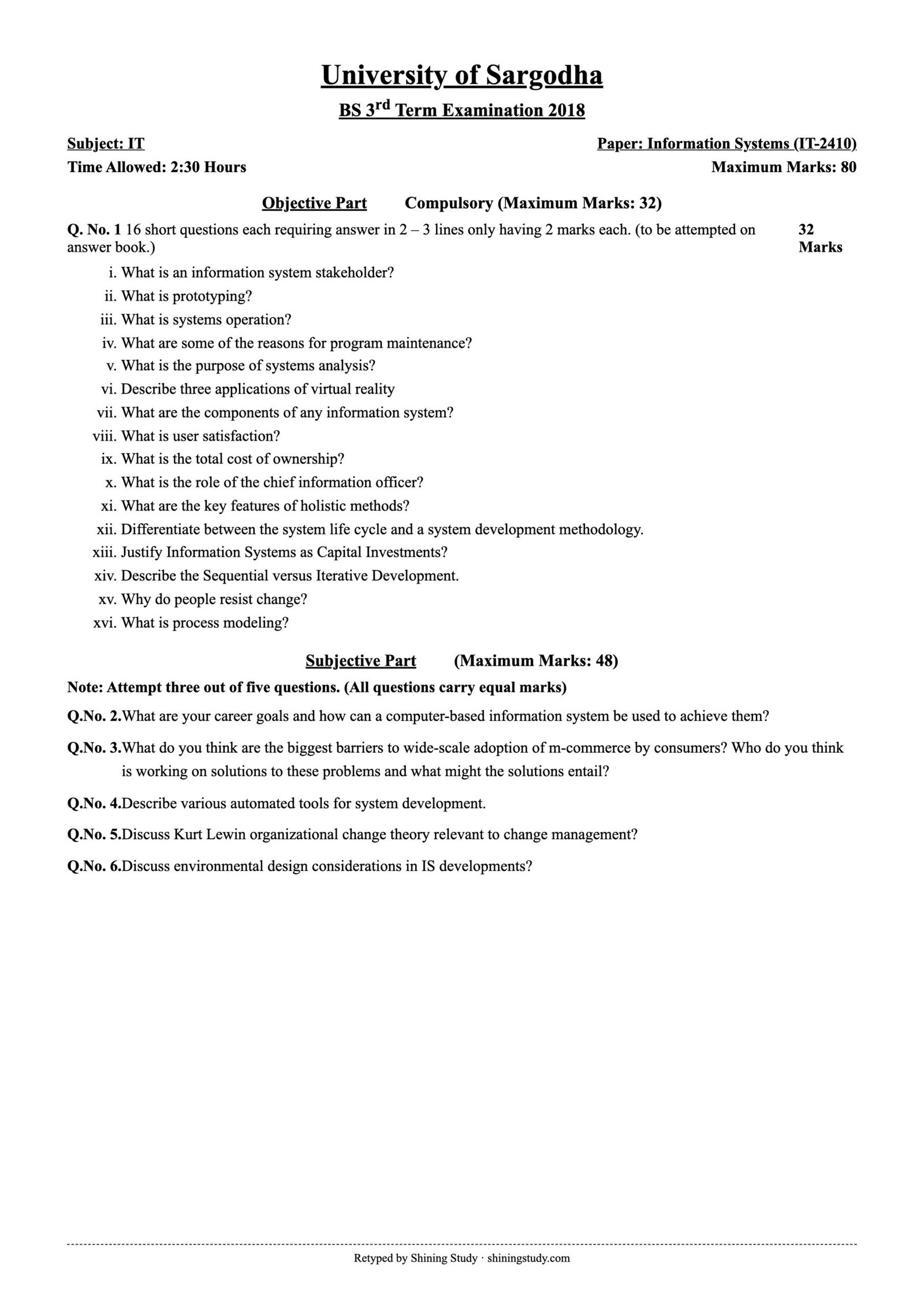
University of Sargodha (UOS) BS IT 3rd term Information Systems (IT-2410) past paper 2018, with the full question paper in text form and solved answers for all short and long questions.
Print / download (A4, high quality): Full-size paper
Information Systems Past Paper 2018 (text version)
University of Sargodha – BS 3rd Term Examination 2018, Subject: IT
Paper: Information Systems (IT-2410) · Time: 2:30 Hours · Maximum marks: 80
Objective part – Q1: 16 short questions each requiring answer in 2 – 3 lines only having 2 marks each. (to be attempted on answer book.) 32 Marks
- What is an information system stakeholder?
- What is prototyping?
- What is systems operation?
- What are some of the reasons for program maintenance?
- What is the purpose of systems analysis?
- Describe three applications of virtual reality
- What are the components of any information system?
- What is user satisfaction?
- What is the total cost of ownership?
- What is the role of the chief information officer?
- What are the key features of holistic methods?
- Differentiate between the system life cycle and a system development methodology.
- Justify Information Systems as Capital Investments?
- Describe the Sequential versus Iterative Development.
- Why do people resist change?
- What is process modeling?
Subjective part (Maximum Marks: 48)
Note: Attempt three out of five questions. (All questions carry equal marks)
Q 2. What are your career goals and how can a computer-based information system be used to achieve them?
Q 3. What do you think are the biggest barriers to wide-scale adoption of m-commerce by consumers? Who do you think is working on solutions to these problems and what might the solutions entail?
Q 4. Describe various automated tools for system development.
Q 5. Discuss Kurt Lewin organizational change theory relevant to change management?
Q 6. Discuss environmental design considerations in IS developments?
Original paper (scanned copy)
The clean paper above is retyped by Shining Study from this original University of Sargodha question paper. Click the scan to view it full size.
Solved answers
Q1 – Short questions
(i) IS stakeholder: any person or group who has an interest in an information system or is affected by it – system owners, users (internal and external), designers, builders, systems analysts, project managers, IT vendors and consultants.
(ii) Prototyping: building a small working model of the system quickly, letting users try it, collecting feedback and refining it in repeated cycles until requirements are clear – useful when requirements are uncertain.
(iii) Systems operation: the phase in which the new system is in daily use after installation; it includes running the system, supporting users (help desk, training) and monitoring performance, together with maintenance.
(iv) Reasons for program maintenance: fixing errors (corrective), adapting to changes in hardware, software, laws or business rules (adaptive), adding new features or improving performance (perfective), and preventing future problems (preventive).
(v) Purpose of systems analysis: to study the current system and business problem, identify users’ needs and define the requirements of the new system – what it must do – before design begins.
(vi) Virtual reality applications: training and simulation (pilots, surgeons, military); education and virtual field trips; architecture and real-estate walkthroughs; gaming and entertainment; medical therapy (phobias, rehabilitation); product design.
(vii) Components of an IS: hardware, software, data, people, procedures and networks (telecommunications).
(viii) User satisfaction: the degree to which users feel the system meets their needs – usefulness, ease of use, accuracy, timeliness and reliability. It is a common measure of IS success.
(ix) Total cost of ownership (TCO): the full cost of an IT asset over its whole life – purchase, installation, training, support, maintenance, upgrades, downtime, energy and disposal – not just the purchase price.
(x) CIO role: the senior executive responsible for the organization’s information technology – aligning IT strategy with business goals, managing IT budgets, staff and projects, data security and introducing new technologies.
(xi) Holistic methods: development approaches that look at the whole organization and its people, not only technology – considering socio-technical factors, user participation, organizational culture, multiple viewpoints and iterative learning (e.g. Soft Systems Methodology, Multiview, ETHICS).
(xii) The system life cycle describes the stages a system goes through from creation to retirement – development, operation and support (maintenance), and replacement. A system development methodology is a formal, step-by-step process with techniques, deliverables and tools for actually developing the system (e.g. SDLC/waterfall, RAD, agile, Scrum).
(xiii) IS as capital investments: information systems require large spending on hardware, software, people and training, and they deliver benefits over many years – lower costs, higher productivity, better decisions, competitive advantage and new revenue. Like other capital investments, they should be evaluated with cost–benefit analysis, ROI, NPV and payback period.
(xiv) Sequential vs iterative development: sequential (waterfall) completes each phase – analysis, design, coding, testing – once and in order before moving to the next; the whole system is delivered at the end. Iterative development builds the system in repeated cycles, delivering and improving versions with user feedback each time (prototyping, spiral, agile).
(xv) Why people resist change: fear of the unknown or of losing their job, status or power; lack of skills and fear of failure; extra workload; habit and comfort with the old system; poor communication and no involvement in decisions; mistrust of management.
(xvi) Process modeling: a technique for graphically describing the processes of a system – how data flows between processes, data stores and external entities – usually with data flow diagrams (DFDs), at different levels of detail.
Q2 – Career goals and computer-based information systems (model answer)
My career goals: in the short term, to complete my BS IT with strong skills in software development and databases and get an internship; in the medium term, to work as a software engineer/data analyst in a good IT company; in the long term, to become a project manager or start my own software house.
How CBIS help me achieve them:
- Learning management systems and e-learning (Google Classroom, Coursera, YouTube) for courses, certifications and practice.
- Office automation and productivity tools (MS Office, Google Workspace) to prepare assignments, reports and presentations professionally.
- Development tools (IDEs, GitHub) to build projects and a portfolio that employers can see.
- Online job portals and professional networks (LinkedIn, Rozee.pk, Upwork) to find jobs, internships and freelance work and to build a professional profile.
- Decision support and analytics tools (Excel, Power BI) to analyze data – a key skill for analyst roles.
- Project management systems (Jira, Trello) and communication tools (Slack, Teams) to manage team work, which prepares me for management roles.
- E-commerce and accounting systems to run my own business later – online payments, invoicing, CRM and marketing.
Q3 – Barriers to m-commerce adoption
Biggest barriers:
- Security and privacy fears: worries about fraud, hacking, stolen phones and misuse of personal data.
- Lack of trust: fake sellers, poor product quality, delivery and refund problems.
- Small screens and limited input: hard to browse, compare and fill forms on mobile.
- Network issues: slow or unreliable mobile Internet, high data costs, poor coverage in rural areas.
- Payment problems: low use of bank cards, complicated payment steps, preference for cash on delivery.
- Low digital literacy and language barriers, and device limitations (old phones, battery).
- Weak legal/consumer-protection framework.
Who is working on solutions and what they involve:
- Banks, fintechs and telecom companies (JazzCash, Easypaisa, SadaPay, Raast by the State Bank): mobile wallets, instant payments, QR payments, biometric verification and OTP to make payment easy and secure.
- Technology companies (Google, Apple, Samsung): secure mobile operating systems, Google Pay/Apple Pay with tokenization and fingerprint/face authentication, better mobile browsers and app stores.
- E-commerce platforms (Daraz, Amazon): mobile-first apps, one-click checkout, buyer protection, ratings and reviews, easy returns, local-language apps.
- Telecom operators and government: 4G/5G expansion, cheaper data packages, digital literacy programmes, e-commerce policies and cyber-crime laws (e.g. PECA).
- Standards bodies (PCI-DSS, W3C) for secure payments and responsive web design.
Q4 – Automated tools for system development
- CASE tools (Computer-Aided Software Engineering): software that supports analysis and design – drawing and checking DFDs, ERDs and UML diagrams, keeping a central repository/data dictionary, and generating documentation. Upper-CASE supports planning, analysis and design; lower-CASE supports implementation (code generation, testing); integrated CASE covers the whole life cycle. Examples: Visual Paradigm, Enterprise Architect, Rational Rose, Visio.
- Forward and reverse engineering tools: generate code or database schemas from models, or build models from existing code/databases.
- Application development environments (IDEs): editors, compilers, debuggers, GUI builders – Visual Studio, Eclipse, IntelliJ, Android Studio; Rapid Application Development and low-code tools (OutSystems, Power Apps).
- Prototyping tools: quickly create screens and interactive mockups – Figma, Axure, Balsamiq.
- Project management tools: scheduling, Gantt and PERT charts, resource tracking – MS Project, Jira, Trello.
- Database design and management tools: MySQL Workbench, SQL Developer, ER modelling tools.
- Testing tools: automated unit, functional, load and regression testing – JUnit, Selenium, JMeter.
- Configuration and version control tools: Git/GitHub, SVN; CI/CD tools (Jenkins, GitHub Actions) for automated build and deployment.
- Documentation and collaboration tools: Confluence, wikis, shared repositories.
Benefits: higher productivity, consistency, better quality and documentation, easier maintenance; costs: price, training and learning curve.
Q5 – Kurt Lewin’s change model
Kurt Lewin (1940s) described organizational change as a three-stage process, based on force field analysis: in any situation there are driving forces (pushing for change, e.g. new technology, competition) and restraining forces (resisting change, e.g. fear, habits). Change happens when driving forces are increased or restraining forces reduced.
- Unfreezing: preparing people to accept that change is needed. Management explains why the current way is no longer good enough, creates a sense of urgency, communicates benefits, involves users and addresses fears – breaking the existing “frozen” habits. In IS projects: show the problems of the old manual system and the advantages of the new one.
- Changing (moving/transition): introducing the new system, processes and behaviour. People learn new ways through training, support, pilot runs, leadership and two-way communication. Resistance is managed and quick wins are celebrated.
- Refreezing: making the change permanent so people do not slip back. New procedures, policies, rewards, job descriptions and support are established; the old system is retired; success is reinforced and monitored.
Relevance to change management in IS: new information systems change jobs and power structures, so many failures come from people rather than technology. Lewin’s model reminds analysts to prepare users (unfreeze), support them during implementation (change), and institutionalize the new system (refreeze). Criticism: modern organizations change continuously, so the model may be too simple and linear.
Q6 – Environmental design considerations in IS development
Environmental design considerations are the physical, technical and organizational conditions in which the system will run, and they must be planned during system design:
- Hardware and network environment: centralized vs distributed processing; client/server or cloud architecture; network capacity, bandwidth and connectivity of all locations; mobile devices.
- Software environment: operating systems, DBMS, development platforms and compatibility with existing systems; licensing.
- Physical environment: data-center or server-room requirements – space, power supply and UPS, air-conditioning, fire protection, cabling, physical security and access control; ergonomic workstations for users.
- Security and privacy: access controls, encryption, backups, disaster recovery and business continuity planning.
- Organizational and user environment: users’ skills and training, organizational culture, work procedures, language and accessibility needs.
- Legal and regulatory environment: data protection, record keeping, audit and industry regulations.
- Green / sustainability considerations: energy-efficient hardware, virtualization and cloud to reduce power use, responsible disposal and recycling of e-waste, reducing paper.
- Scalability, reliability and performance: designing for future growth, load and availability requirements.
Answers prepared by Shining Study for revision. Check them against your class notes and teacher’s guidance.