
Blog
E-Commerce Application Development Past Paper 2019 – BS 7th Term UOS
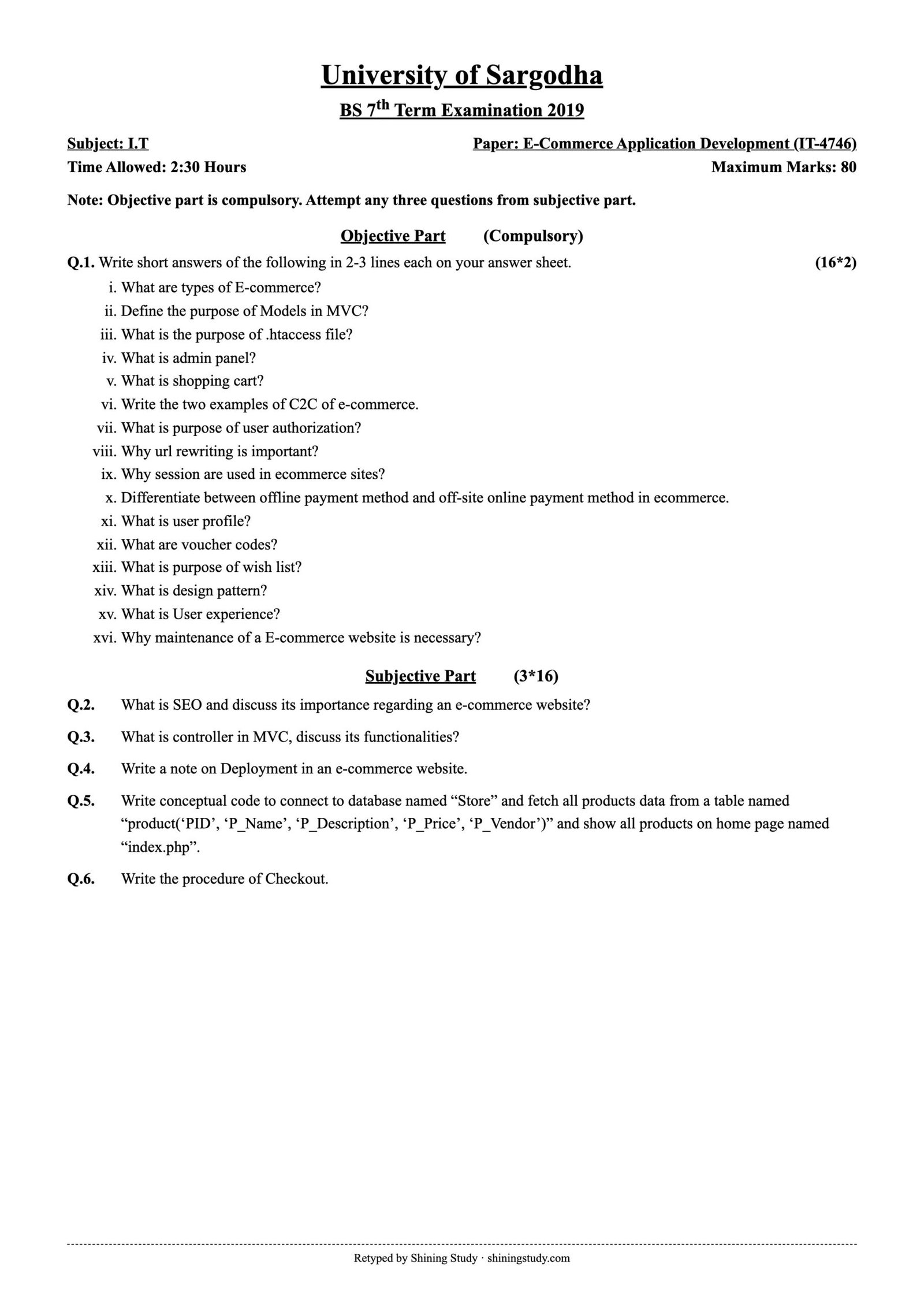
University of Sargodha (UOS) BS 7th term E-Commerce Application Development (IT-4746) past paper 2019, with the full question paper in text form and solved answers, including PHP code to fetch and display products from a MySQL database.
Print / download (A4, high quality): Full-size paper
E-Commerce Application Development Past Paper 2019 BS (text version)
University of Sargodha – BS 7th Term Examination 2019, Subject: I.T
Paper: E-Commerce Application Development (IT-4746) · Time: 2:30 Hours · Maximum marks: 80
Note: Objective part is compulsory. Attempt any three questions from subjective part.
Objective part – Q1: Write short answers of the following in 2-3 lines each on your answer sheet. (16*2)
- What are types of E-commerce?
- Define the purpose of Models in MVC?
- What is the purpose of .htaccess file?
- What is admin panel?
- What is shopping cart?
- Write the two examples of C2C of e-commerce.
- What is purpose of user authorization?
- Why url rewriting is important?
- Why session are used in ecommerce sites?
- Differentiate between offline payment method and off-site online payment method in ecommerce.
- What is user profile?
- What are voucher codes?
- What is purpose of wish list?
- What is design pattern?
- What is User experience?
- Why maintenance of a E-commerce website is necessary?
Subjective part (3*16)
Q2. What is SEO and discuss its importance regarding an e-commerce website?
Q3. What is controller in MVC, discuss its functionalities?
Q4. Write a note on Deployment in an e-commerce website.
Q5. Write conceptual code to connect to database named “Store” and fetch all products data from a table named “product(‘PID’, ‘P_Name’, ‘P_Description’, ‘P_Price’, ‘P_Vendor’)” and show all products on home page named “index.php”.
Q6. Write the procedure of Checkout.
Original paper (scanned copy)
The clean paper above is retyped by Shining Study from this original University of Sargodha question paper. Click the scan to view it full size.
Solved answers
Q1 – Short questions
(i) Types of e-commerce: B2C (business to consumer), B2B (business to business), C2C (consumer to consumer), C2B (consumer to business), B2G/G2C (government), and by channel: m-commerce, social commerce.
(ii) Model in MVC: holds the data and business logic – reads and writes products, users and orders in the database, validates data and applies rules, and passes results to the controller; it is independent of the user interface.
(iii) .htaccess: an Apache directory-level configuration file used for URL rewriting (SEO-friendly URLs), redirects (HTTP→HTTPS, 301), access control/password protection, custom error pages, caching and compression.
(iv) Admin panel: the protected back-end where store administrators manage products, categories, stock, prices, orders, customers, coupons, content, reports and settings.
(v) Shopping cart: the module that stores products a customer selects (with quantity and price) during a visit, calculates totals and sends the order to checkout.
(vi) C2C examples: OLX, eBay (also PakWheels, Facebook Marketplace).
(vii) User authorization: decides what an authenticated user is allowed to do – e.g. a customer can view only their own orders, while an admin can edit products. It protects sensitive data and functions through roles and permissions.
(viii) URL rewriting importance: converts long dynamic URLs (product.php?id=25&cat=3) into clean ones (/shoes/running-shoe) that are easier to read, remember and share, better for SEO, and hide the technology behind the site.
(ix) Sessions in e-commerce: HTTP is stateless, so sessions store user-specific data on the server between pages – login state, shopping-cart contents, checkout steps, recently viewed items – identified by a session ID cookie.
(x) Offline vs off-site online payment: offline payment happens outside the website – cash on delivery, bank deposit, cheque – and the order is confirmed manually. Off-site online payment redirects the customer to a third-party payment page (PayPal, JazzCash, bank gateway) to pay; the gateway then returns the result to the store, so the store never handles card details.
(xi) User profile: the customer’s account area with personal information, addresses, order history, wish list, saved payment methods and preferences.
(xii) Voucher codes: alphanumeric codes that give a discount (fixed amount, percentage or free shipping) when entered at checkout; often limited by expiry date, minimum order or number of uses.
(xiii) Wish list purpose: lets customers save products for later, brings them back to buy, enables price-drop/back-in-stock alerts and shows the store which products are in demand.
(xiv) Design pattern: a general, reusable solution to a common software design problem, e.g. MVC, Singleton, Factory, Observer. It gives a proven structure and common vocabulary for developers.
(xv) User experience (UX): the overall feeling of a user while using the website – how easy, fast, clear and pleasant it is to find products, compare them and check out. Good UX increases conversions and loyalty.
(xvi) Why maintenance is necessary: to fix bugs, apply security patches and updates, keep backups, update products and prices, improve speed, keep SSL and plugins current, adapt to new devices and browsers, and keep SEO healthy – preventing downtime and lost sales.
Q2 – SEO and its importance for an e-commerce website
SEO (Search Engine Optimization) is the process of improving a website so that it appears higher in the organic (unpaid) results of search engines such as Google for relevant keywords.
Main parts: on-page SEO – keyword research, unique product titles and descriptions, meta titles/descriptions, headings, image alt text, clean URLs, internal links, structured data (product schema with price, stock, reviews); technical SEO – fast loading, mobile-friendly, HTTPS, XML sitemap, robots.txt, canonical tags to avoid duplicate product pages; off-page SEO – backlinks, social sharing, reviews, local listings.
Importance for e-commerce:
- Most online purchases start with a search; higher ranking brings more free, targeted traffic.
- Lower customer-acquisition cost than paid ads – traffic continues without paying per click.
- Visitors from search have buying intent (“buy running shoes Lahore”), so conversion rates are high.
- Builds trust and brand credibility – users trust top results.
- Rich results (stars, price, availability) make listings stand out.
- Good SEO practices (speed, structure, mobile) also improve user experience.
- Helps compete with big marketplaces on long-tail keywords.
Q3 – Controller in MVC and its functions
The Controller is the middle part of MVC. It receives the user’s request (URL, click, form submission), decides what to do, uses the Model to get or change data, and selects the View to show the result.
Functions: handles routing of requests to the right action (e.g. ProductController@show); reads and validates input (form data, query parameters); calls model methods (fetch products, add to cart, place order); applies application flow – authentication/authorization checks, redirects, sessions; passes data to the view and returns the response (HTML or JSON for APIs); handles errors (404, validation messages).
// Example (Laravel-style)
class ProductController extends Controller {
    public function show($id) {
        $product = Product::findOrFail($id);          // Model
        return view('product.show', ['product' => $product]);   // View
    }
    public function addToCart(Request $req) {
        $req->validate(['id' => 'required|integer', 'qty' => 'required|min:1']);
        Cart::add($req->id, $req->qty);                // update the model/session
        return redirect('/cart')->with('msg', 'Added to cart');
    }
}
Benefits: separation of concerns, thin views, reusable models and easier testing and maintenance.
Q4 – Deployment of an e-commerce website
Deployment is the process of moving the finished website from the development machine to a live production server so customers can use it.
- Preparation: complete testing (functional, payment, security, performance, mobile); set environment configuration (database credentials, payment gateway live keys, mail settings) in config/.env files; turn off debug mode.
- Hosting and domain: choose hosting (shared, VPS, cloud – e.g. AWS) with enough resources; register the domain and point DNS to the server.
- Server setup: install the web server (Apache/Nginx), PHP and database (MySQL); configure .htaccess/URL rewriting, firewall and file permissions.
- Upload code: by FTP/SFTP, Git or a CI/CD pipeline; install dependencies (composer install).
- Database: create the production database, import schema and data or run migrations, create admin users.
- Security: install an SSL certificate (HTTPS), force HTTPS, secure admin URLs, set strong passwords, enable backups.
- Integrations: connect live payment gateway, courier/shipping APIs, email/SMS, analytics and Google Search Console; submit the sitemap.
- Go live and verify: test the full purchase flow with a real small order, check speed (caching/CDN), links and forms.
- After deployment: monitoring (uptime, errors), regular backups, updates and patches, and a rollback plan for failed releases. Use a staging server for future changes.
Q5 – Connect to database “Store” and show all products on index.php
<?php
// index.php
$host = "localhost";
$user = "root";
$pass = "";
$db   = "Store";

$conn = mysqli_connect($host, $user, $pass, $db);     // 1. connect
if (!$conn) {
    die("Connection failed: " . mysqli_connect_error());
}

$sql = "SELECT PID, P_Name, P_Description, P_Price, P_Vendor FROM product";
$result = mysqli_query($conn, $sql);                     // 2. fetch all products
?>
<!DOCTYPE html>
<html>
<head><title>Home - Our Products</title></head>
<body>
  <h1>All Products</h1>
  <table border="1" cellpadding="6">
    <tr><th>ID</th><th>Name</th><th>Description</th><th>Price</th><th>Vendor</th></tr>
    <?php if (mysqli_num_rows($result) > 0) {
        while ($row = mysqli_fetch_assoc($result)) { ?>      <!-- 3. show each product -->
      <tr>
        <td><?php echo $row['PID']; ?></td>
        <td><?php echo htmlspecialchars($row['P_Name']); ?></td>
        <td><?php echo htmlspecialchars($row['P_Description']); ?></td>
        <td>Rs. <?php echo $row['P_Price']; ?></td>
        <td><?php echo htmlspecialchars($row['P_Vendor']); ?></td>
      </tr>
    <?php } } else { ?>
      <tr><td colspan="5">No products found.</td></tr>
    <?php } ?>
  </table>
</body>
</html>
<?php mysqli_close($conn); ?>
Q6 – Checkout procedure
- View cart: check items, quantities, prices; update/remove items; apply voucher code.
- Proceed to checkout: log in, register, or continue as guest.
- Shipping information: enter/select address and phone; validate.
- Delivery method: select standard or express; shipping charges are added.
- Billing and payment: choose card, wallet, bank transfer or cash on delivery; online payment is processed securely through the gateway (SSL, OTP).
- Review order: final summary – items, discount, tax, shipping and grand total; accept terms.
- Place order: the system saves the order, generates an order ID, updates stock and clears the cart.
- Confirmation: thank-you page and confirmation email/SMS with invoice; customer can track the order in their account.
Answers prepared by Shining Study for revision. Check them against your class notes and teacher’s guidance.