
Blog
Web System and Technologies Past Paper 2019 – MSc IT 3rd Term UOS
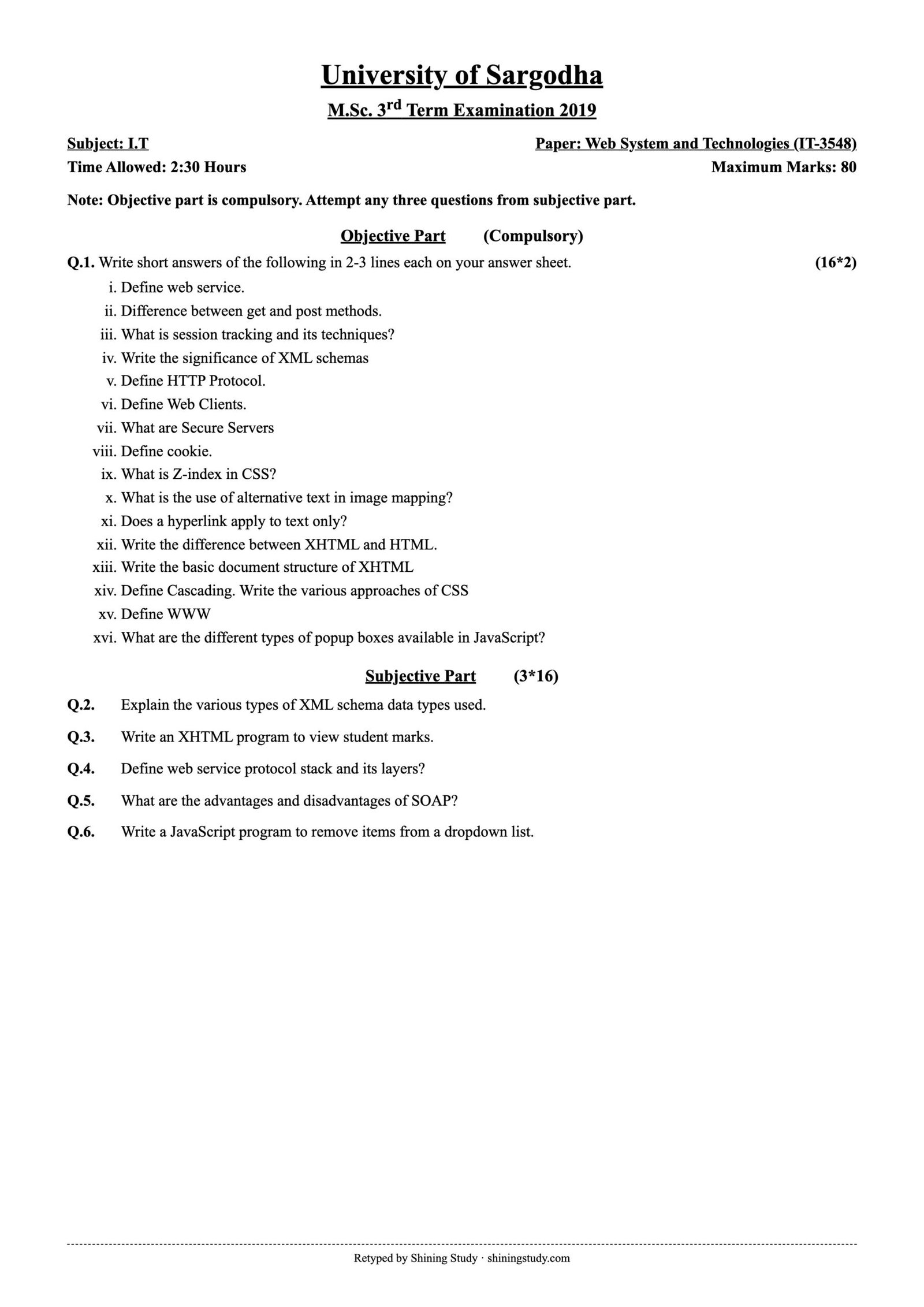
University of Sargodha (UOS) M.Sc. IT 3rd term Web System and Technologies (IT-3548) past paper 2019, with the full question paper in text form and solved answers, including working XHTML, XML Schema and JavaScript code.
Print / download (A4, high quality): Full-size paper
Web System and Technologies Past Paper 2019 (text version)
University of Sargodha – M.Sc. 3rd Term Examination 2019, Subject: I.T
Paper: Web System and Technologies (IT-3548) · Time: 2:30 Hours · Maximum marks: 80
Note: Objective part is compulsory. Attempt any three questions from subjective part.
Objective part – Q1: Write short answers of the following in 2-3 lines each on your answer sheet. (16*2)
- Define web service.
- Difference between get and post methods.
- What is session tracking and its techniques?
- Write the significance of XML schemas
- Define HTTP Protocol.
- Define Web Clients.
- What are Secure Servers
- Define cookie.
- What is Z-index in CSS?
- What is the use of alternative text in image mapping?
- Does a hyperlink apply to text only?
- Write the difference between XHTML and HTML.
- Write the basic document structure of XHTML
- Define Cascading. Write the various approaches of CSS
- Define WWW
- What are the different types of popup boxes available in JavaScript?
Subjective part (3*16)
Q2. Explain the various types of XML schema data types used.
Q3. Write an XHTML program to view student marks.
Q4. Define web service protocol stack and its layers?
Q5. What are the advantages and disadvantages of SOAP?
Q6. Write a JavaScript program to remove items from a dropdown list.
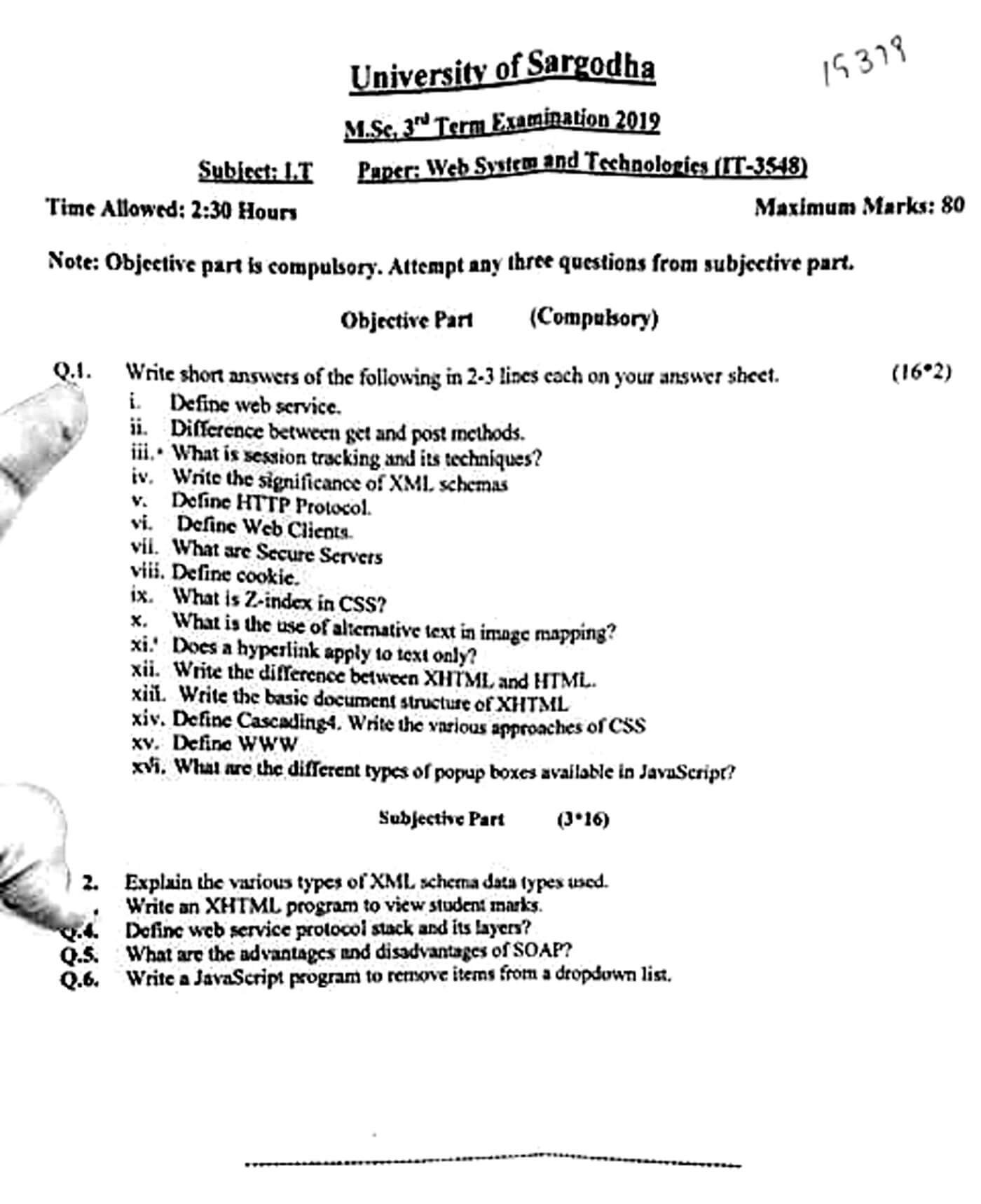
Original paper (scanned copy)
The clean paper above is retyped by Shining Study from this original University of Sargodha question paper. Click the scan to view it full size.
Solved answers
Q1 – Short questions
(i) Web service: a software component that exposes functionality over the web using standard protocols (HTTP, XML/JSON, SOAP or REST), so different applications on different platforms and languages can talk to each other. Example: a weather API.
(ii) GET vs POST: GET sends data in the URL query string, is visible, limited in length, can be bookmarked and cached, and should only read data. POST sends data in the request body, is not shown in the URL, has no practical size limit, is not cached, and is used for forms that change data (login, upload).
(iii) Session tracking: HTTP is stateless, so session tracking keeps track of a user across many requests. Techniques: cookies, URL rewriting (session ID in the URL), hidden form fields, and server-side sessions (HttpSession / $_SESSION) identified by a session ID.
(iv) XML Schema significance: an XSD defines the legal structure of an XML document – elements, attributes, order, data types and restrictions. It lets documents be validated, supports data types (unlike DTD), namespaces and is itself written in XML.
(v) HTTP: HyperText Transfer Protocol – the stateless, request–response application-layer protocol (TCP port 80; HTTPS 443) used to transfer web pages and resources between clients and servers. Methods: GET, POST, PUT, DELETE, HEAD; responses carry status codes such as 200, 404, 500.
(vi) Web client: software that requests resources from a web server, usually a browser (Chrome, Firefox); it sends HTTP requests, receives HTML/CSS/JS and renders the page. Mobile apps and tools like curl are also web clients.
(vii) Secure servers: web servers that use SSL/TLS (HTTPS) with a digital certificate to encrypt data between browser and server and prove the server’s identity, used for logins, payments and personal data.
(viii) Cookie: a small piece of text data (name–value pair) stored by the browser and sent back to the same server with every request; used for sessions, preferences and tracking. It can have an expiry date, domain, path and Secure/HttpOnly flags.
(ix) z-index: a CSS property that sets the stacking order of positioned elements (position other than static). An element with a higher z-index appears in front of one with a lower value, e.g. .popup{position:absolute; z-index:100;}
(x) Alt text in image maps: the alt attribute of each <area> (and the image) describes the link region for screen readers, shows when the image cannot load, and helps search engines understand the link – making the map accessible.
(xi) Hyperlinks on text only? No. An <a> element can wrap images, buttons, block elements (HTML5) and image-map areas, e.g. <a href="home.html"><img src="logo.png" alt="Home"></a>.
(xii) XHTML vs HTML: XHTML is HTML written as XML, so it is strict: tags must be lowercase, every element must be closed (<br />), properly nested, attribute values quoted and never minimized, one root <html> with a DOCTYPE and namespace. HTML is more forgiving of these errors.
(xiii) Basic XHTML structure:
<?xml version="1.0" encoding="UTF-8"?>
<!DOCTYPE html PUBLIC "-//W3C//DTD XHTML 1.0 Strict//EN"
  "http://www.w3.org/TR/xhtml1/DTD/xhtml1-strict.dtd">
<html xmlns="http://www.w3.org/1999/xhtml" xml:lang="en" lang="en">
  <head>
    <title>Page title</title>
  </head>
  <body>
    <p>Content goes here.</p>
  </body>
</html>
(xiv) Cascading and CSS approaches: “cascading” is the set of rules that decides which style wins when several rules apply to the same element – based on importance (!important), specificity (inline > id > class > element) and source order (later wins); some properties are also inherited. Approaches: inline styles (style attribute), internal/embedded styles (<style> in the head) and external style sheets (<link rel="stylesheet" href="style.css">); also @import.
(xv) WWW: the World Wide Web – a system of interlinked hypertext documents and resources identified by URLs and accessed over the Internet with HTTP using web browsers. It was invented by Tim Berners-Lee in 1989.
(xvi) JavaScript popup boxes: alert("msg") – shows a message with OK; confirm("msg") – OK/Cancel, returns true/false; prompt("msg","default") – asks for input, returns the text or null.
Q2 – XML Schema data types
XML Schema (XSD) supports many data types so that element and attribute values can be validated:
- Built-in primitive types:
xs:string,xs:boolean,xs:decimal,xs:float,xs:double,xs:date,xs:time,xs:dateTime,xs:duration,xs:anyURI,xs:base64Binary,xs:hexBinary. - Built-in derived types: derived from primitives, e.g.
xs:integer,xs:int,xs:long,xs:short,xs:positiveInteger,xs:nonNegativeInteger(from decimal);xs:normalizedString,xs:token,xs:ID,xs:IDREF,xs:language(from string). - Simple types (user-defined): contain only text, no child elements or attributes. Created by restriction using facets (minInclusive, maxInclusive, length, pattern, enumeration), by list or by union.
- Complex types: elements that contain child elements and/or attributes, built with
xs:sequence(fixed order),xs:choice(one of) andxs:all(any order); can have simple content, complex content, mixed content or be empty, and can extend or restrict other types.
<xs:schema xmlns:xs="http://www.w3.org/2001/XMLSchema">
  <!-- simple type by restriction -->
  <xs:simpleType name="marksType">
    <xs:restriction base="xs:integer">
      <xs:minInclusive value="0"/>
      <xs:maxInclusive value="100"/>
    </xs:restriction>
  </xs:simpleType>

  <!-- enumeration -->
  <xs:simpleType name="gradeType">
    <xs:restriction base="xs:string">
      <xs:enumeration value="A"/><xs:enumeration value="B"/>
      <xs:enumeration value="C"/><xs:enumeration value="F"/>
    </xs:restriction>
  </xs:simpleType>

  <!-- complex type -->
  <xs:element name="student">
    <xs:complexType>
      <xs:sequence>
        <xs:element name="name"  type="xs:string"/>
        <xs:element name="dob"   type="xs:date"/>
        <xs:element name="marks" type="marksType"/>
        <xs:element name="grade" type="gradeType"/>
      </xs:sequence>
      <xs:attribute name="rollNo" type="xs:positiveInteger" use="required"/>
    </xs:complexType>
  </xs:element>
</xs:schema>
Q3 – XHTML program to view student marks
<?xml version="1.0" encoding="UTF-8"?>
<!DOCTYPE html PUBLIC "-//W3C//DTD XHTML 1.0 Strict//EN"
"http://www.w3.org/TR/xhtml1/DTD/xhtml1-strict.dtd">
<html xmlns="http://www.w3.org/1999/xhtml" xml:lang="en" lang="en">
<head>
<title>Student Marks</title>
<style type="text/css">
table { border-collapse: collapse; width: 60%; }
th, td { border: 1px solid #333; padding: 6px; text-align: center; }
th { background: #ddd; }
</style>
</head>
<body>
<h1>Student Marks Sheet</h1>
<p><strong>Name:</strong> Ali Raza   <strong>Roll No:</strong> 101</p>
<table>
<tr><th>Subject</th><th>Total Marks</th><th>Obtained</th></tr>
<tr><td>Web Systems</td><td>100</td><td>82</td></tr>
<tr><td>Database</td><td>100</td><td>76</td></tr>
<tr><td>Networks</td><td>100</td><td>69</td></tr>
<tr><th>Total</th><th>300</th><th>227</th></tr>
</table>
<p>Percentage: 75.67%   Grade: B</p>
</body>
</html>All tags are lowercase, properly nested and closed, and attribute values are quoted, so it is valid XHTML 1.0 Strict.
Q4 – Web service protocol stack
The web service protocol stack is the set of protocols used to define, locate, implement and make web services talk to each other. It has four main layers:
- Transport (service transport) layer: moves messages between applications – HTTP/HTTPS mostly, also SMTP, FTP, JMS, BEEP.
- Messaging (XML messaging) layer: encodes messages in a common XML format both sides understand – SOAP, XML-RPC, or REST with XML/JSON.
- Description (service description) layer: describes the public interface of the service – operations, input/output messages, data types, binding and location – using WSDL (and XSD for types).
- Discovery (service discovery) layer: publishes services to a common registry and lets clients find them – UDDI.
Flow: a provider describes its service in WSDL and publishes it in UDDI; a requester finds it in UDDI, reads the WSDL, and then calls the service by sending SOAP messages over HTTP.
Q5 – Advantages and disadvantages of SOAP
SOAP (Simple Object Access Protocol) is an XML-based messaging protocol; a message is an Envelope with an optional Header and a Body (and Fault for errors).
Advantages: platform and language independent (Java service, .NET client); uses standard transports (HTTP, SMTP), so it passes firewalls on port 80/443; strict contract through WSDL, so tools can generate client code; built-in error handling (Fault element); extensible with WS-* standards – WS-Security, WS-ReliableMessaging, WS-AtomicTransaction – good for enterprise, banking and payment systems; works with stateful operations.
Disadvantages: verbose XML makes messages large and parsing slow; more bandwidth and processing than REST/JSON; complex to develop and debug; only XML (no lightweight JSON); results cannot be cached like HTTP GET; tight coupling to the WSDL contract, so changes break clients.
Q6 – JavaScript: remove items from a dropdown list
<!DOCTYPE html>
<html>
<head><title>Remove dropdown items</title></head>
<body>
  <select id="cities" size="1">
    <option>Lahore</option>
    <option>Sargodha</option>
    <option>Karachi</option>
    <option>Multan</option>
  </select>
  <button onclick="removeSelected()">Remove selected</button>
  <button onclick="removeAll()">Remove all</button>

  <script>
    function removeSelected() {
      var list = document.getElementById("cities");
      if (list.selectedIndex >= 0) {
        list.remove(list.selectedIndex);       // removes the chosen option
      } else {
        alert("No item to remove");
      }
    }
    function removeAll() {
      var list = document.getElementById("cities");
      while (list.options.length > 0) {
        list.remove(0);                        // keep removing the first option
      }
    }
  </script>
</body>
</html>
select.remove(index) deletes the option at that index; selectedIndex is the index of the chosen item (−1 if none).
Answers prepared by Shining Study for revision. Check them against your class notes and teacher’s guidance.